01
Peak Level
Instantaneous sample-accurate peak. The fastest measurement — responds to transients within a single sample period.
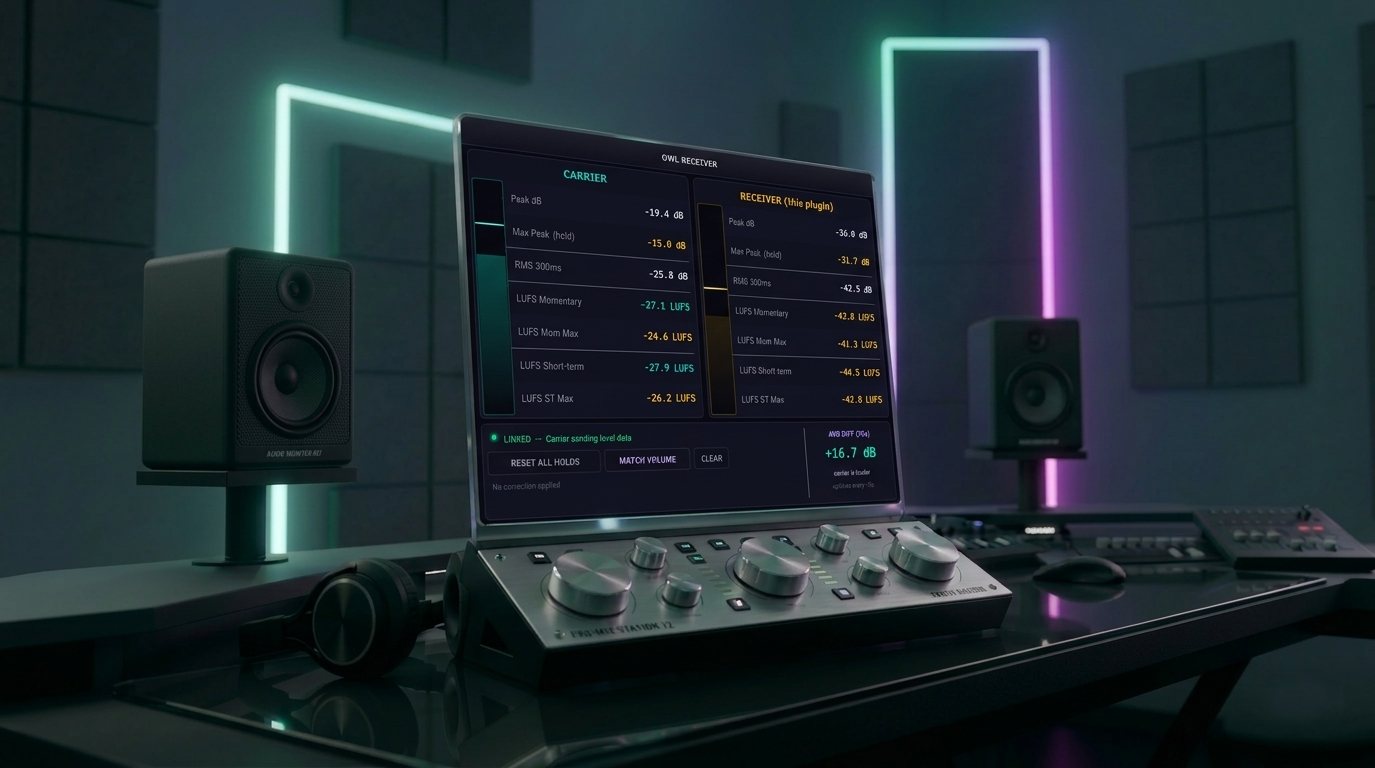
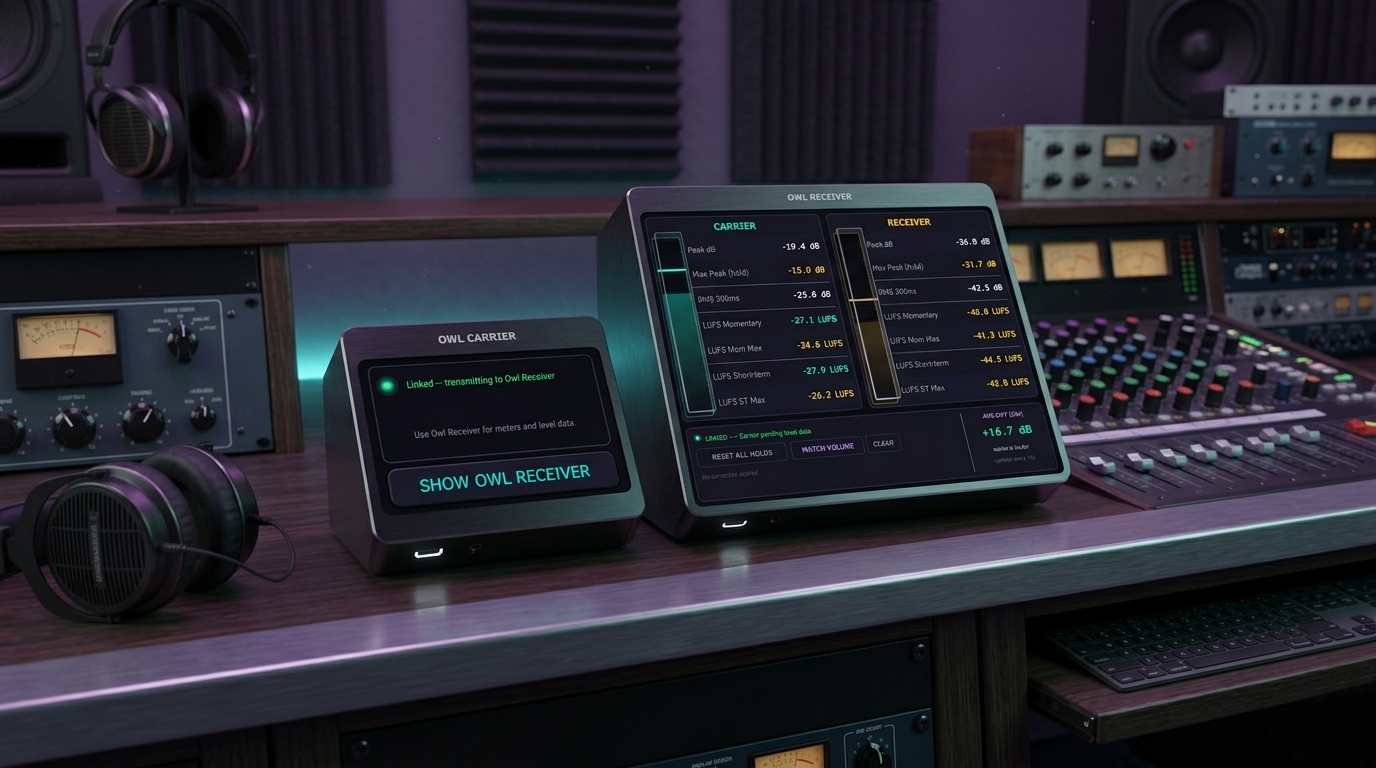
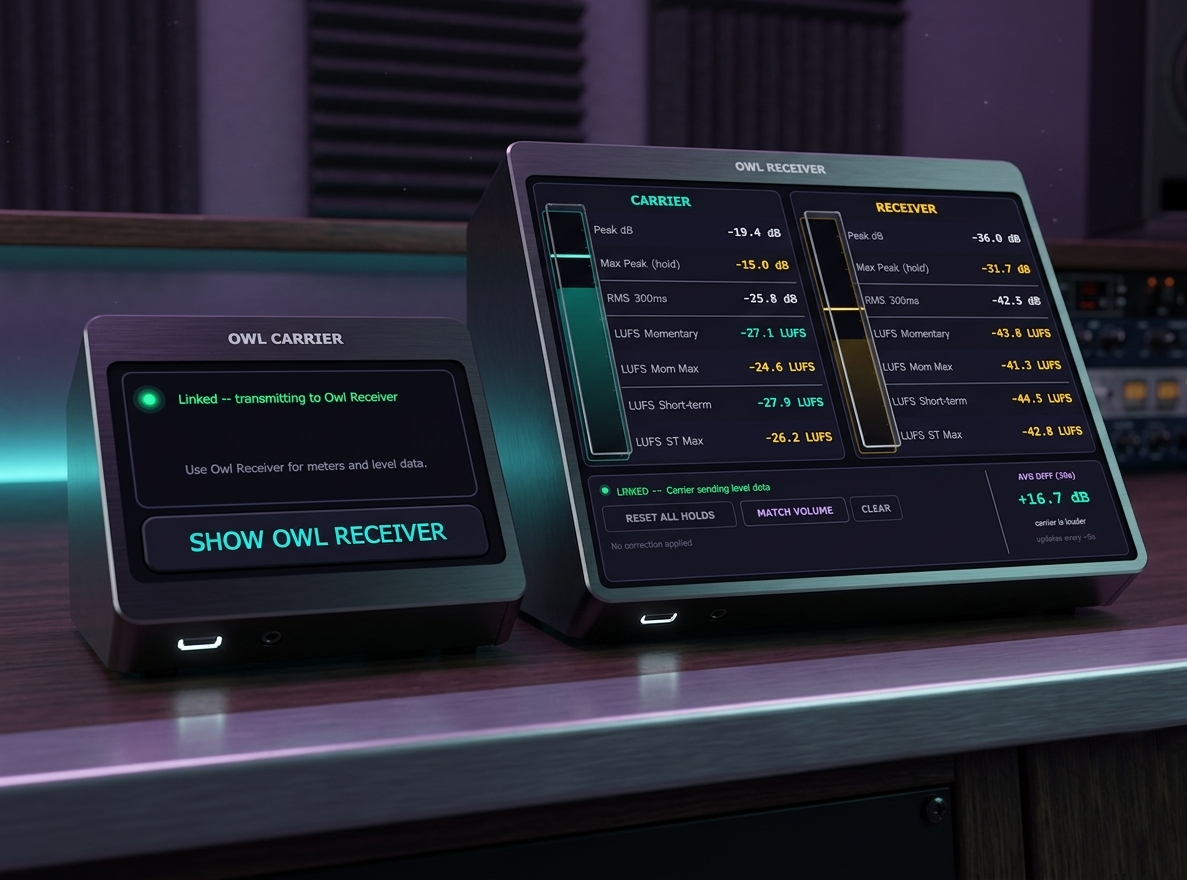
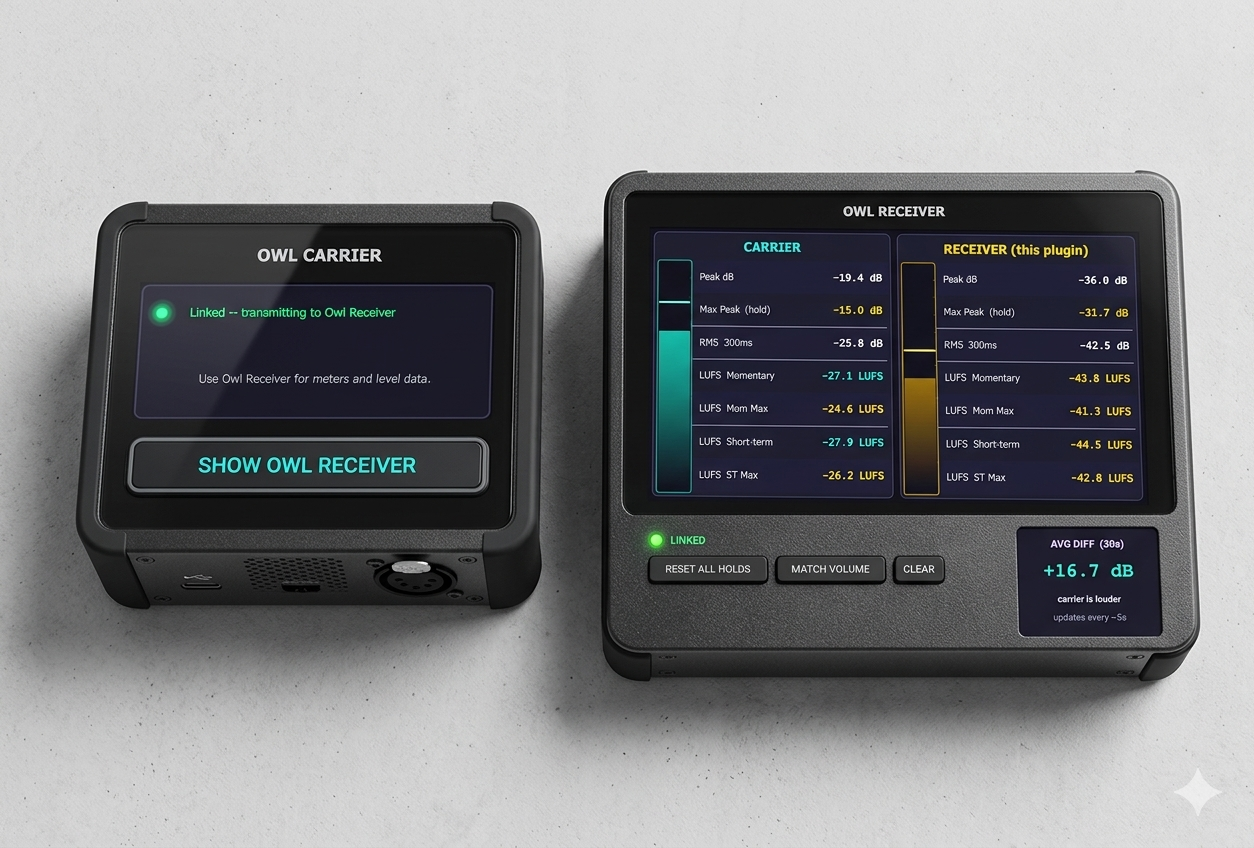
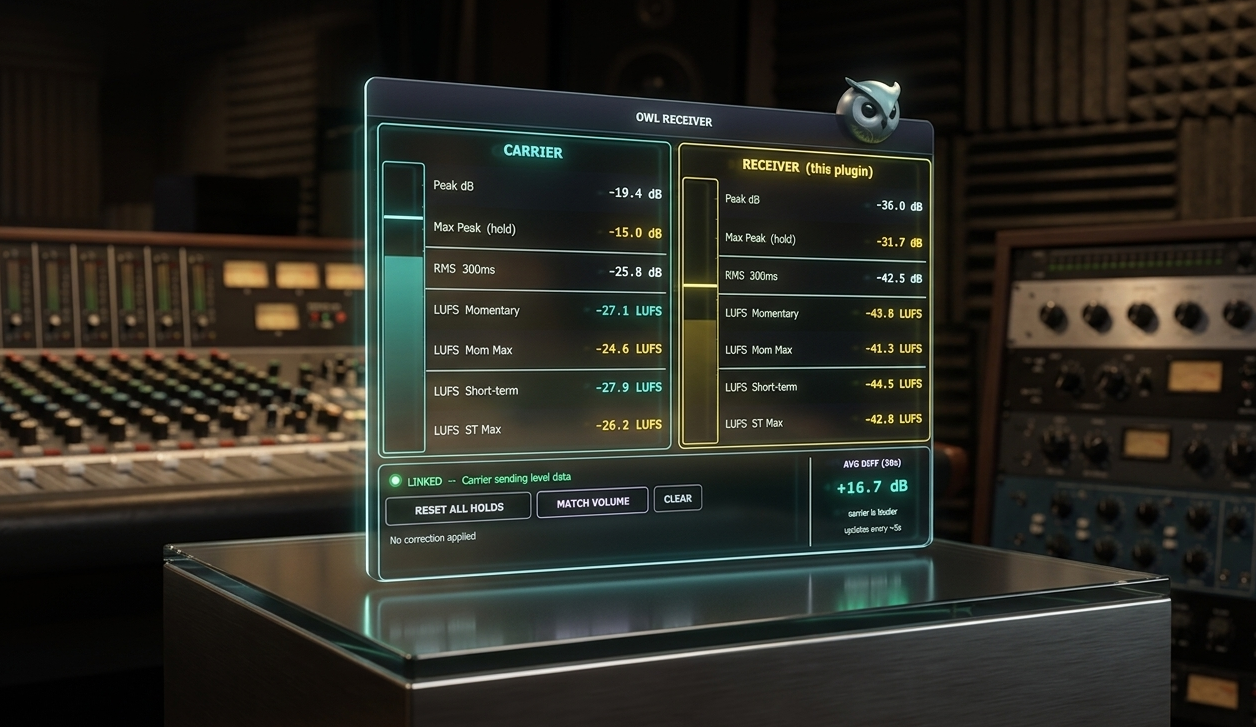
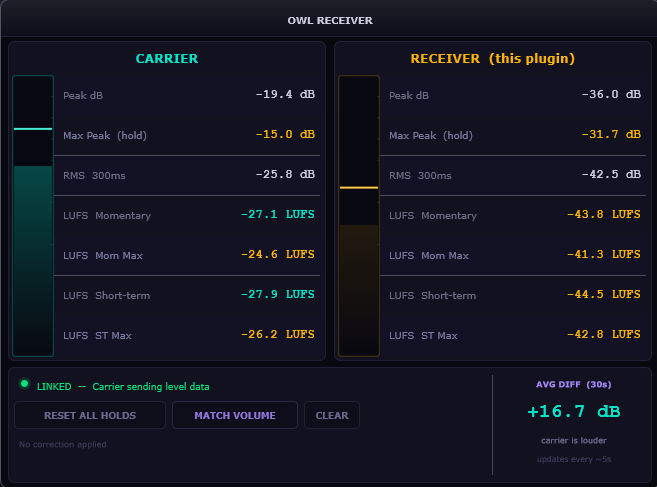
Two plugins. One shared memory channel. Seven measurements per track flowing in real time — so your Receiver always knows exactly what the Carrier is doing, without a single audio bus or send.
Owl is a two-part volume assistant: Owl Carrier sits on a source track and measures it; Owl Receiver sits on any other track and reads those measurements directly via Windows named shared memory — no sends, no buses, no routing overhead.
Named shared memory is a Windows OS mechanism for passing data between processes at memory speed — no audio signal is transmitted, no latency is added, and no routing changes are required in your DAW.
Place Owl Carrier on your kick drum, your vocal, or any track you want to use as a reference. Place Owl Receiver on your bass, your synth, or any track that needs to compare against the Carrier. The Receiver reads all seven measurements continuously in real time.
The Carrier writes seven measurements into a Windows named shared memory segment every processing block. The Receiver reads from the same segment — zero copies, zero inter-plugin audio routing, zero added latency.
The Carrier creates a named shared memory segment in the Windows OS. The Receiver opens the same segment by name. Both plugins access the same physical memory — the fastest possible inter-process communication available on the platform.
Owl doesn't need a sidechain input or a send track. The data channel is entirely separate from your audio graph — which means it works cleanly in any DAW, on any channel type, with any buffer size, without modifying your routing at all.
Measurements are written and read every audio processing block. At 128 samples / 44.1 kHz, that's 344 updates per second — fast enough to track transients, volume rides, and automated fader moves with no perceptible lag.
The Carrier and Receiver are linked by a shared channel name you type into both plugins. Multiple pairs can coexist in the same session with different names — route multiple reference tracks to multiple destinations independently.
The Carrier measures seven distinct values per channel and transmits all of them simultaneously. The Receiver can display any combination.
Instantaneous sample-accurate peak. The fastest measurement — responds to transients within a single sample period.
Windowed RMS with configurable time constant. Tracks perceived loudness over time rather than individual peaks.
Peak hold with configurable hold time and fall rate. Identifies transient maxima without watching a live meter continuously.
3-second integrated loudness per ITU-R BS.1770-4. Standard measurement for segment-level loudness comparison and streaming targeting.
Full-program loudness from playback start, gated per BS.1770-4. The number streaming platforms use for normalization.
Inter-sample peak detection via 4× oversampling. Catches peaks that occur between sample points and would clip after D/A conversion.
30-second rolling difference between Carrier and Receiver RMS. Shows how the gap between two tracks has evolved — a history of your relative balance.
Type the same channel name into both the Carrier and the Receiver. The name is the key used to open the shared memory segment. Any string works — use something descriptive like "kick", "vocal", or "ref_master".
Each unique channel name creates a separate shared memory segment. You can have a "kick" pair, a "vocal" pair, and a "master_ref" pair all active simultaneously — fully independent of each other.
The shared memory channel is handled by the OS, not by the audio engine. Owl works identically in Ableton, FL Studio, Reaper, Cubase, and any VST3 host — the DAW never needs to know the plugins are talking.
The diff window plots the RMS difference between the Carrier and Receiver tracks over the last 30 seconds. If you're using Owl to balance a kick against a bass, the graph shows whether the relationship has been stable, widening, or narrowing.
Mix decisions made in the first chorus don't always carry through. The 30-second window makes drift visible — if the balance in the second verse is creeping away from where you set it, you'll see it without re-listening from the top.
Set a target delta value on the Receiver and a reference line is drawn on the diff window. Keep the live trace near the line and the two tracks maintain the relationship you set — useful when the Carrier is being volume-automated.
The Carrier has minimal controls — it names the channel and measures. The Receiver is where you configure what to display and how to respond to the incoming data.
The name used to identify the shared memory segment. Must match on both plugins. Case-sensitive. Change it at any time — takes effect immediately, no restart needed.
Choose which of the seven measurements to show prominently. All seven are transmitted regardless — this only affects the Receiver's visual layout, not the data being shared.
Time constant for RMS measurement on both Carrier and Receiver. Shorter windows follow transients; longer windows show sustained loudness. Matched on both sides for consistent delta readings.
The desired RMS difference between Carrier and Receiver. Sets the reference line on the diff window — lock in a balance relationship that holds even when the source is being automated.
How long the peak hold value stays before beginning its fall. Longer hold times make it easier to catch brief transient peaks without watching the meter continuously.